
What Is Eco Mode on Nest? Smart Thermostat Savings

What Is Eco Mode on Nest? Managing our energy use and cutting down on carbon emissions is crucial. Luckily, our Nest thermostats have a feature called Eco Mode. This feature automatically changes the temperature to save energy without making us uncomfortable.
Learning about Eco Mode and how to use it can help us save a lot on our energy bills. In this article, we’ll dive into Eco Mode’s details, how to turn it on, and the best ways to use it for saving energy.
Understanding Eco Mode on Nest Thermostats
Eco Mode is a key feature of Nest thermostats. It helps you save energy and cut down on your utility bills. Let’s look into what Eco Mode is and how it works.
What is Eco Mode?
Eco Mode is an energy-saving option on Nest thermostats. It adjusts your home’s temperature when no one is there. When on, your thermostat keeps your home within a specific temperature range, called “Eco Temperatures,” to use less energy. This means your thermostat works less, saving you energy and money.
How Eco Mode Works
The Nest thermostat uses sensors and your phone’s location to know when you’re away. When it finds you’re gone, it switches to Eco Temperatures to save energy. When you come back, it adjusts the temperature to your usual settings.
You can also turn on Eco Mode by hand if you’re home but want to save energy. The Nest will keep the Eco Temperature until you change it or someone gets home.
Knowing how Eco Mode works on your Nest thermostat lets you use it to save energy and lower bills. Keep reading for more tips on making the most of Eco Mode with your Nest thermostat.
Activating Eco Mode on Your Nest Thermostat
Eco mode on your Nest thermostat helps save energy and cuts down on carbon emissions. It’s easy to turn on, and it offers big energy-saving benefits. Let’s look at how you can activate eco mode and start saving energy.
Using the Google Home App
Activating eco mode through the Google Home app is simple. Open the app, find your Nest thermostat, and tap on the “Eco” preset. This sets your thermostat to save energy by keeping the temperature just right.
Manually Switching to Eco Mode
If you have a Nest Thermostat E or Nest Learning Thermostat, you can switch to eco mode yourself. Press the thermostat ring and choose “Eco”. Your thermostat will keep the eco-friendly temperature until you change it back.
| Nest Thermostat Model | How to Activate Eco Mode |
|---|---|
| Nest Thermostat E | Press the thermostat ring and select “Eco” |
| Nest Learning Thermostat | Press the thermostat ring and select “Eco” |
Choosing how to activate eco mode is up to you, but it’s always easy. It can greatly reduce your energy use and lower your bills. Using this feature makes your home more eco-friendly.
Optimizing Energy Savings with Eco Mode
To get the most from your Nest thermostat’s Eco Mode, it’s key to balance energy efficiency with comfort. The Nest thermostat lets you set Eco Temperatures from 40-70°F for heating and 76-90°F for cooling. This flexibility helps you adjust based on your home’s insulation, local climate, and your comfort level.
Setting Ideal Eco Temperatures
When picking your Eco Temperatures, think about your home’s size, layout, and climate, plus your comfort with temperature changes. For example, a well-insulated home in a mild climate might let you set Eco Temperatures near the lower end. But, an older home or extreme climate might require higher settings to stay comfy and save energy.
Tips for Maximizing Savings
- Use the Eco preset to automatically set your Nest thermostat to save energy when you’re away.
- Manually switch to Eco Mode when you’ll be gone for a long time, like on vacation or a long workday.
- Check your energy usage reports in the Nest app to find ways to improve your Eco Mode settings and save more energy.
- Think about getting a newer Nest thermostat model for more features to save energy and improve your home’s eco-friendliness.
| Eco Mode Setting | Heating Range | Cooling Range |
|---|---|---|
| Minimum | 40°F | 76°F |
| Maximum | 70°F | 90°F |
Finding the right Eco Temperatures and using Eco Mode can help you save energy and lessen your environmental impact. You won’t have to give up comfort to do it.
Eco Mode and Home/Away Assist
The Nest thermostat’s Home/Away Assist feature works with Eco Mode. It makes your home save energy when no one is there. Your home stays at the best Eco Temperatures without you having to do anything.
The Nest thermostat uses its sensors and your phone’s location to know when you’re away. When you leave, it turns on Eco Mode to save energy. When you come back, it goes back to your usual temperature, making your home comfy.
This smart feature, Home/Away Assist, makes sure your Nest thermostat saves energy automatically. It takes the work out of keeping your home at the right temperature. This way, you save energy and stay comfortable without a hassle.
| Feature | Description |
|---|---|
| Home/Away Assist | Automatically detects when the home is empty and switches the Nest thermostat to Eco Mode to save energy. |
| Eco Mode Integration | The Home/Away Assist feature works in tandem with the Nest thermostat’s Eco Mode to maintain optimal energy-saving temperatures. |
| Automatic Activation | The Nest thermostat uses its sensors and your phone’s location data to detect when everyone has left the home and automatically activates Eco Mode. |
| Seamless Transition | When someone returns home, the Nest thermostat automatically switches back to the regular temperature schedule, ensuring a comfortable living environment. |
With Eco Mode and Home/Away Assist, the Nest thermostat helps you save energy easily. It keeps your home comfy without needing you to do anything. This shows Nest’s dedication to smart, energy-saving solutions for today’s homes.
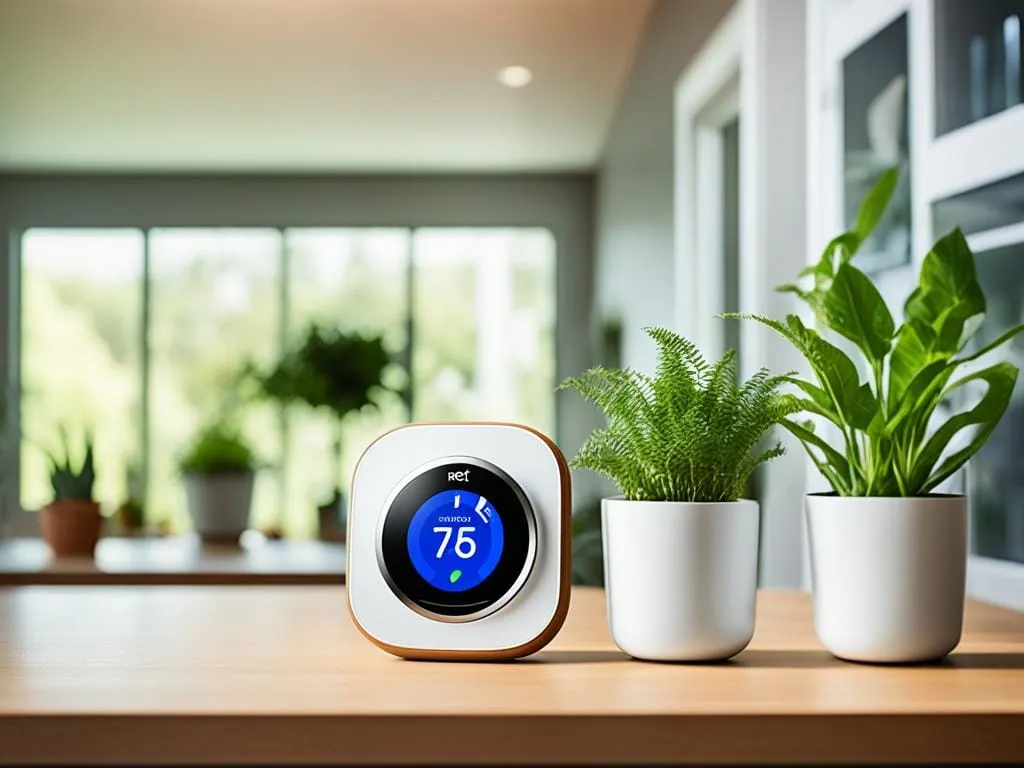
Nest Thermostat Models and Eco Mode Behavior
Eco mode on Nest thermostats works a bit differently across various models. Knowing these differences helps you save more energy and use this feature well.
Nest Thermostat
The original Nest Thermostat has an Eco preset. When you turn it on, it changes the temperature to save energy. It ignores your usual settings to use less power.
Nest Thermostat E and Nest Learning Thermostat
The Nest Thermostat E and Nest Learning Thermostat let you choose Eco mode yourself. In this mode, the thermostat keeps a temperature that saves energy. It doesn’t follow your schedule.
| Feature | Nest Thermostat | Nest Thermostat E | Nest Learning Thermostat |
|---|---|---|---|
| Eco Mode Activation | Eco Preset | Dedicated Eco Mode | Dedicated Eco Mode |
| Scheduled Temperature Behavior | Overrides Schedules | Ignores Schedules | Ignores Schedules |
| Energy Savings | Moderate | High | High |
Knowing how eco mode works on different Nest models helps you pick the best one for your home. Whether you want the simple Nest Thermostat or the Nest Thermostat E or Nest Learning Thermostat, eco mode can help you save energy.
what is eco mode on nest
Eco Mode on a Nest thermostat is a great way to save energy and cut down on heating and cooling costs. It lets your Nest thermostat adjust the temperature when you’re not home. This way, you use less energy but still stay comfortable.
Eco Mode is easy to understand: it saves energy by lowering the temperature when your home is empty. When you turn it on, the thermostat sets the temperature to a “Eco Temperature” range. This uses less energy to heat or cool your home.
So, Eco Mode on a Nest thermostat is a smart feature that saves you money by adjusting your home’s temperature when you’re away. It’s a simple way to save energy and keep your home cozy.
How Eco Mode Works
Eco Mode uses sensors and algorithms to know when your home is empty. When it finds no one home, it changes the temperature to the Eco Temperature range. This is a bit warmer in summer and cooler in winter.
- The Eco Temperature range keeps your home comfy but uses less energy.
- Eco Mode keeps checking if you’re home and adjusts the temperature to save energy.
- You can also turn on Eco Mode by hand, even when you’re home, to save even more energy.
Now you know what Eco Mode is and how it works. Use this feature to cut down your energy use and lower your bills. Keep reading to find out how to set and improve Eco Mode on your Nest thermostat.
Scheduling Eco Mode for Extended Periods
If you’re planning to keep your Nest thermostat in Eco Mode for a long time, like during a vacation, you need to know the differences between models. This way, your Nest will keep saving energy for as long as you need.
Nest Thermostat
For the original Nest Thermostat, use the Google Home app to “hold” the Eco preset. This lets you set Eco Mode to stay on while you’re away. You won’t have to switch it on and off manually.
Nest Thermostat E and Nest Learning Thermostat
The Nest Thermostat E and Nest Learning Thermostat work a bit differently. Once you switch to Eco Mode, it stays on until you change it back. So, you can keep eco mode on for vacation easily. The thermostat will keep the eco mode on nest thermostat temperatures set.
Knowing how each Nest thermostat works lets you schedule eco mode on nest thermostat for better energy savings. This way, you can how to use eco mode for long periods on nest and still stay comfortable.
Manually Overriding Eco Mode
As energy-conscious homeowners, we always look for ways to cut down on our utility bills. The Eco Mode on our Nest thermostats is a great tool for this. But sometimes, we might need to change the temperature for comfort. That’s when manually overriding Eco Mode is useful.
With all Nest thermostats, we can easily take our homes out of Eco Mode. We just need to pick a different mode or change the temperature. This makes the thermostat follow our manual settings instead of the Eco Temperatures.
Manually overriding overriding eco mode on nest is great for comfort reasons like having guests or unexpected weather changes. By how to change nest thermostat out of eco mode, we keep our homes comfy while saving energy with Eco Mode when we can.
Remember, manually adjusting eco mode on nest is just for now. We should go back to Eco Mode soon to save energy. Knowing how to use this feature helps us balance comfort and efficiency at home.
Eco Mode vs. Other Thermostat Modes
Nest thermostats have different modes for controlling home temperatures, each with its own benefits. We can pick from Eco Mode, Heat, Cool, Heat•Cool, and Off modes. Eco Mode saves energy by keeping temperatures within a wider range. The other modes focus more on comfort than saving energy.
The Heat and Cool modes let us set the exact temperature we want. The Heat•Cool mode switches between heating and cooling to keep our preferred temperature. And the Off mode turns off the HVAC system.
Knowing the differences between these modes helps us pick the best one for our needs. By choosing the right mode, we can make our Nest thermostat work better and get the most out of our smart home tech.
